
Tips for Creating a Productive Home Office Environment
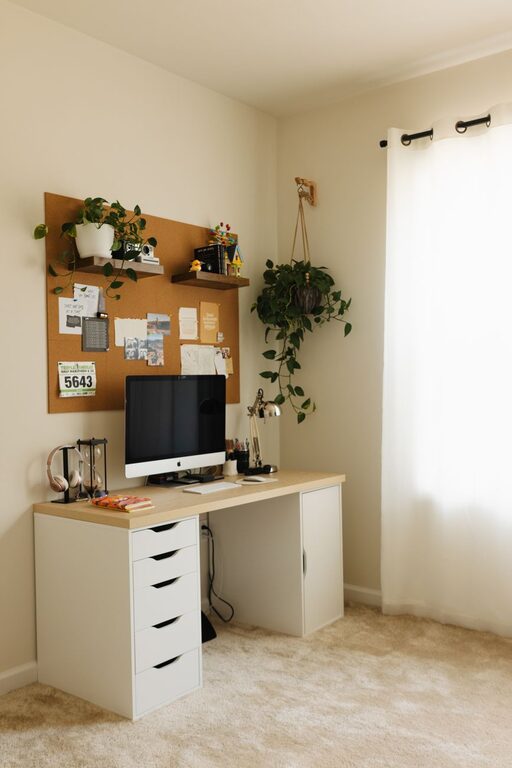
Creating a productive home office environment is key to maintaining focus, motivation, and efficiency when working remotely. Whether you’re new to working from home or looking to improve your existing setup, these practical tips will help you design a workspace that supports your best work. From choosing the right location to organizing your tools, here’s how to build an office space that keeps distractions at bay and productivity high.
Choose the Right Location
Selecting the best spot in your home is the foundation of a productive workspace. Ideally, pick a quiet area that is away from heavy foot traffic and household noise.
– Consider a spare room, a corner in your bedroom, or even a nook in your living area.
– Make sure there’s enough natural light to keep your mood and energy levels up.
– If possible, separate your office space from areas associated with rest or leisure to create a clear boundary between work and relaxation.
Invest in Comfortable Furniture
Comfort plays a huge role in your ability to stay focused for long periods.
– Choose an ergonomic chair with good lumbar support to prevent back pain.
– A desk at the right height for your body reduces strain on your shoulders and wrists.
– If space allows, set up a standing desk or adjustable workstation to alternate between sitting and standing throughout the day.
Organize Your Workspace Efficiently
Clutter can be a major distraction. Keeping your desk neat and organized helps your mind stay clear.
– Use drawer organizers and shelving units to store office supplies and documents.
– Designate specific spots for items you use often, such as pens, notebooks, or chargers.
– Minimize cables and cords by using cable organizers or wireless devices when possible.
Optimize Lighting
Good lighting reduces eye strain and boosts alertness.
– Position your desk near a window to take advantage of natural light.
– Use adjustable desk lamps with soft white bulbs during darker hours.
– Avoid glare on your screen by angling your monitor away from direct light sources.
Reduce Noise and Distractions
Minimizing noise helps maintain concentration.
– Use noise-cancelling headphones if you can’t avoid background sounds.
– Consider white noise machines or ambient sound apps to create a consistent auditory backdrop.
– Inform family members or roommates about your work hours to limit interruptions.
Personalize While Keeping It Professional
Adding personal touches can make your office feel inviting without becoming a distraction.
– Decorate with plants, artwork, or photos that inspire and motivate you.
– Choose a calm color palette for your walls and accessories to promote focus.
– Avoid overcrowding your workspace with too many items.
Establish a Routine and Boundaries
Creating a schedule helps maintain productivity and work-life balance.
– Set regular working hours similar to an office setting.
– Take short breaks every hour to stretch and refresh your mind.
– Clearly communicate your work times to others in your household.
Utilize Technology and Tools
The right tools streamline your workflow and keep you organized.
– Use task management apps or calendars to plan your day.
– Invest in reliable internet and backup solutions to avoid disruptions.
– Consider dual monitors or screen extenders to increase your digital workspace.
Keep Your Space Clean
A clean environment promotes clarity and reduces stress.
– Make it a habit to tidy your workspace at the end of each day.
– Regularly dust and clean your equipment.
– Keep snacks and drinks away from your desk to prevent spills and crumbs.
Conclusion
Designing a productive home office environment is about balancing comfort, organization, and boundaries. By thoughtfully arranging your space and daily routine, you’ll create an area that supports focus and creativity. With these tips, your home office can become a place where work feels natural and productive every day.
Related Post

Tips for Creating a Productive Home Office Environment
Discover practical tips to design a home office that boosts focus, comfort, and productivity every [...]
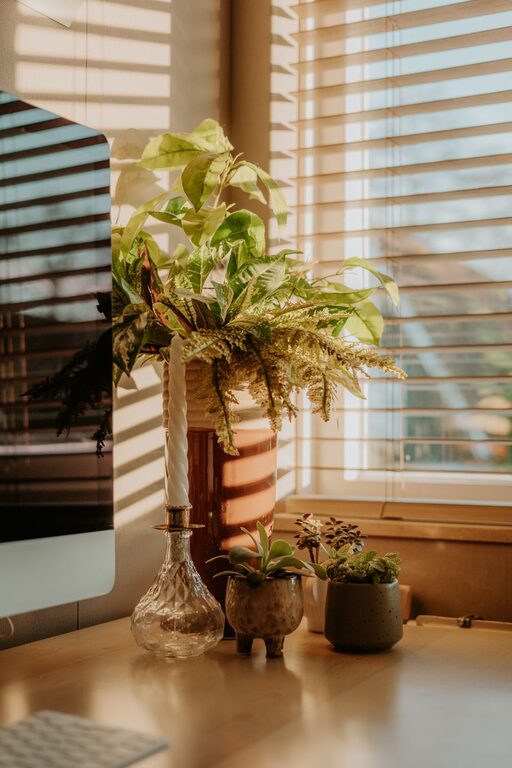
Tips for Creating a Cozy and Productive Home Office Space
Discover simple and effective ways to design a home office that boosts comfort and productivity, [...]
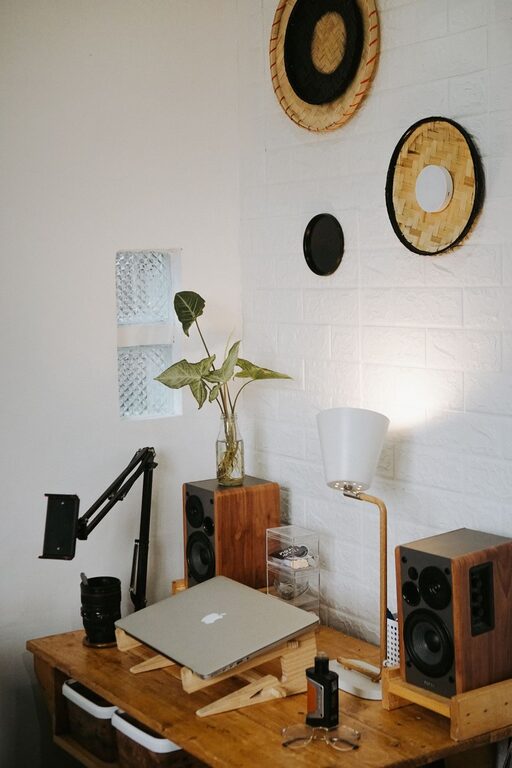
Tips for Creating a Comfortable and Productive Home Office Space
Discover simple ways to design a home office that boosts comfort and productivity, helping you [...]