
Tips for Creating a Productive Home Office Environment

Creating a productive home office environment is essential for anyone working remotely or spending significant time on personal projects. A well-designed workspace can improve focus, reduce stress, and increase efficiency. Whether you have a dedicated room or a small corner in your home, these tips will help you build a comfortable and effective office setup.
Choose the Right Location
Find a Quiet Spot
Start by selecting a place with minimal distractions. A quiet corner, spare room, or even a section of your bedroom can work well. Avoid high-traffic areas where family members frequently pass or noisy appliances are nearby.
Consider Natural Light
Natural light boosts mood and energy. Position your desk near a window when possible, but make sure to reduce glare on your computer screen by using blinds or curtains.
Invest in Comfortable Furniture
Ergonomic Chair and Desk
Look for an adjustable chair that supports your lower back and encourages good posture. Pair it with a desk at the right height to keep your arms at a 90-degree angle while typing.
Proper Desk Setup
Keep your monitor at eye level to avoid neck strain. Using a monitor stand or stack of books can help. If you use a laptop, consider investing in an external keyboard and mouse.
Organize Your Workspace
Declutter Regularly
A tidy workspace reduces distractions. Keep only essential items on your desk, and store documents and supplies in drawers or shelves.
Use Storage Solutions
Use organizers, trays, and filing systems to keep paper and office supplies orderly. Label storage containers for easy access.
Manage Your Technology
Reliable Internet Connection
Ensure your internet speed is sufficient for video calls, online collaboration, and smooth browsing. Consider upgrading your service or using a wired connection if needed.
Proper Lighting for Screens
Avoid harsh overhead lighting that causes screen glare. Use a desk lamp with adjustable brightness and position it to the side of your workspace.
Establish a Routine
Set Work Hours
Create consistent start and end times for your workday. This helps separate work from personal time and improves focus.
Take Regular Breaks
Incorporate short breaks every hour to stretch, walk, or rest your eyes. This reduces fatigue and helps maintain productivity throughout the day.
Personalize Your Space
Add Plants or Decor
Plants can improve air quality and add a touch of nature, which may improve mood. Adding personal items like photos or artwork makes the space inviting.
Use Calming Colors
Choose calming colors like blues, greens, or neutrals for your office walls or accessories. These tones can help reduce stress and encourage concentration.
Minimize Distractions
Silence Notifications
Turn off non-essential notifications on your computer and phone during work hours to maintain focus.
Use Noise-Canceling Headphones
If your home environment is noisy, noise-canceling headphones or calming background music can help you concentrate.
Prioritize Comfort and Wellness
Maintain Good Air Quality
Ventilate your workspace regularly and consider using an air purifier to maintain fresh air.
Stay Hydrated and Nourished
Keep a water bottle nearby and have healthy snacks available to keep your energy up.
Final Thoughts
Designing a productive home office environment doesn’t require a massive investment. With some thoughtful choices and good habits, you can create a workspace that enhances your efficiency and well-being. Start with these tips, and adjust your setup as you discover what works best for you. A comfortable, organized, and personalized office will make your work-from-home experience more enjoyable and successful.
Related Post
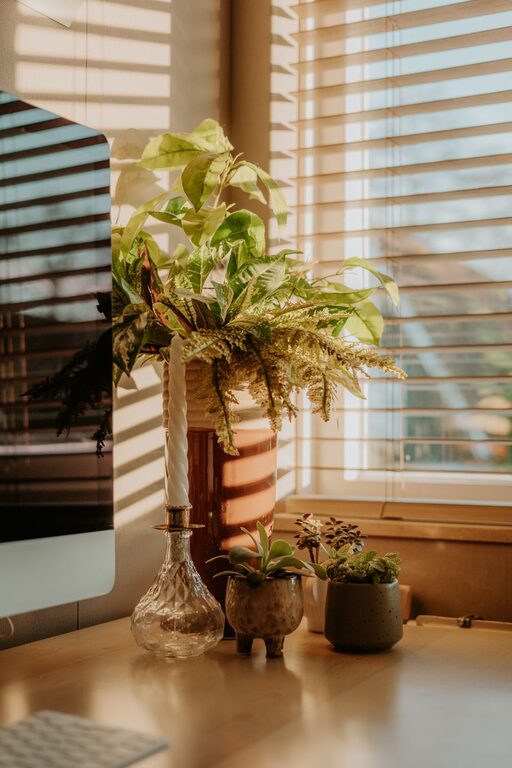
Tips for Creating a Cozy and Productive Home Office Space
Discover simple and effective ways to design a home office that boosts comfort and productivity, [...]
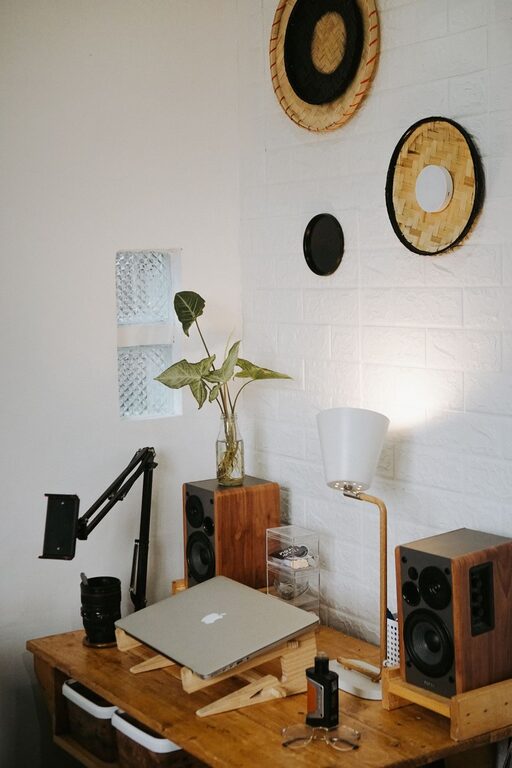
Tips for Creating a Comfortable and Productive Home Office Space
Discover simple ways to design a home office that boosts comfort and productivity, helping you [...]

Simple Strategies to Organize Your Home Office for Better Productivity
Discover easy ways to organize your home office and create a productive workspace that keeps [...]